
Introduction
Getting your Indian eVisa from the UK is usually straightforward, but Indian eVisa Passport Requirements are one of the most important things to get right. A simple typo, an expired passport, or uploading the wrong page can cause unnecessary problems with your application. The good news is that most of these issues can be avoided by checking your passport details carefully before you submit.
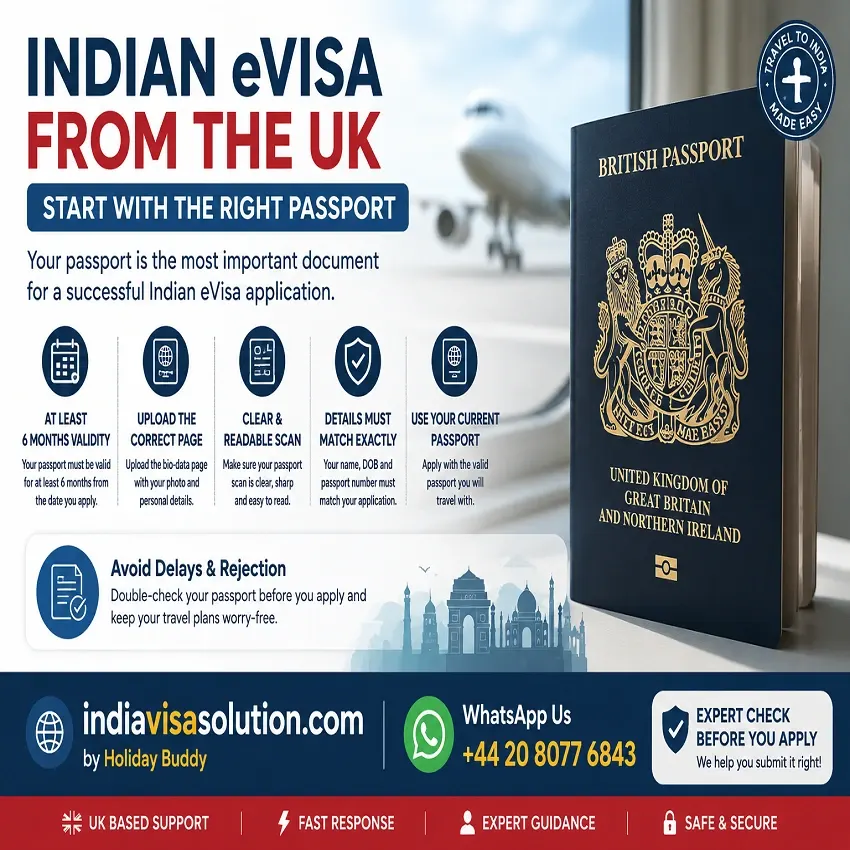
Official Indian eVisa Passport Requirements
The Indian government requires your passport to have at least six months of validity at the time you apply for an eVisa. You will also need to provide the passport page containing your personal details as part of the online application.
Before uploading your passport document, take a quick look at these important points:
- Validity: Make sure your passport has at least 6 months of validity when you apply.
- Clarity: The passport details should be clear and easy to read.
- Data Match: Check that the information you enter in the application matches your passport exactly. Indian visa guidance specifically advises applicants to enter details such as the name, passport number and date of birth as they appear in the passport.
Not sure whether your passport document is ready for submission? Getting it checked before you apply can help you catch basic mistakes before they become a problem.
How Much Passport Validity Do You Need?
One of the most important Indian eVisa Passport Requirements is passport validity. Your passport should have at least six months of validity at the time you apply for the eVisa.
If your passport is nearing its expiry date, check it before you start the application. Even if it covers your planned holiday dates, it may not meet the Indian eVisa requirement if there are less than six months remaining when you apply.
Which Passport Page Do You Need to Upload?
For an Indian eVisa application, you need to upload the passport page containing your personal details, including your photograph, name, date of birth, nationality and passport expiry date. The official Indian eVisa guidance specifically refers to the passport photo/bio-data page for the upload.
The most important thing is clarity. Your passport page should be complete and easy to read, without blurry text, cut-off edges or glare covering important details. The official guidance states that an application can be affected when uploaded documents are not clear or do not meet the required specifications.
Not sure whether your passport copy is clear enough? Having it checked before submission can help you avoid unnecessary document-upload problems.
What Details Must Match Your Application?
When completing your Indian eVisa application, make sure the information you enter matches your passport exactly. The official Indian visa guidance specifically tells applicants to check details such as their name, nationality, passport number and date of birth before submitting the application.
Pay extra attention to these details:
- Full Name: Enter your name exactly as it appears on your passport.
- Passport Number: Double-check every character before submitting.
- Date of Birth: Make sure it matches your passport exactly.
- Nationality: Select the nationality shown on your passport.
- Passport Details: Carefully review the information before final submission.
A small typing mistake is easy to make when completing an online form, so it is worth comparing the application with your passport one last time before you submit it.
Common Passport Mistakes to Avoid
A few simple passport mistakes can create unnecessary problems with an Indian eVisa application, so it is worth checking everything carefully before you submit.
- Short validity: Make sure your passport meets the current six-month validity requirement when you apply.
- Wrong page uploaded: Upload the passport page containing your personal details rather than a blank page or the passport cover.
- Blurry or unclear copy: Make sure your passport details and photograph are clearly visible and easy to read.
- Typing errors: Double-check your passport number, name, date of birth and other details before submitting the application. Official Indian visa guidance advises applicants to verify their details before submission.
- Using an old passport: If you have recently renewed your passport, make sure the application uses the details of the valid passport you intend to travel with.
What If You Have Recently Renewed Your Passport?
If you have recently received a new UK passport, make sure your Indian eVisa application is completed using the details from the current passport you intend to use for travel.
Your passport number, expiry date and uploaded passport page should all relate to the same valid document. Avoid accidentally using details or a scan from an old or cancelled passport.
Before submitting your application, take a moment to compare the passport details in the form with your new passport. This simple check can help you avoid unnecessary problems later.
Can You Apply with a Nearly Expired Passport?
You can apply only if your passport still meets the six-month validity requirement at the time of application. If your passport is close to its expiry date, check the exact expiry date before starting or submitting your eVisa application. The official Indian visa guidance requires a passport with a minimum of six months’ validity.
Even if your passport is still valid for your planned holiday, having less than the required six months of validity can mean that it does not meet the current eVisa requirement. In that situation, renewing your passport before applying may be necessary.
Can You Use a Different Passport After Getting the eVisa?
If you receive a new passport after your Indian eVisa or ETA has been issued, do not assume that you need to apply for a completely new eVisa. The official Indian eVisa guidance says entry may be allowed on the new passport when the ETA was issued on the old passport, provided the traveller carries the old passport as well.
If your passport has been renewed, lost or damaged, check the current official guidance carefully before travelling. Make sure you carry the relevant passport documents and that your travel details are consistent with the information connected to your eVisa.
What If Your Passport Upload Is Rejected?
Don’t panic. A problem with your passport document does not necessarily mean that your Indian eVisa application has been rejected. If an uploaded document is not suitable, applicants may be asked to provide a clearer or corrected document during the application process.
If the portal keeps rejecting your passport file, or you are simply unsure whether your document is suitable, getting it checked before uploading again can help you avoid repeated problems and unnecessary delays.
Need Help Checking Your Passport Documents?
If you are applying for an Indian eVisa from the UK and want to make sure your passport copy and application details are ready before submission, India Visa Solution can check your documents for you.
Quick Indian eVisa Passport Checklist
Before you submit your application, take a moment to check that your passport meets these key requirements:
- Validity: Your passport should have at least 6 months of validity when you apply.
- The Page: Upload the passport page containing your personal details and photograph.
- Clarity: Make sure the uploaded page is complete, clear and easy to read.
- Data Match: Check that your name, date of birth and passport number match the information in your application.
- Current Passport: Use the valid passport you intend to travel with, rather than an old or cancelled passport.
A quick review before submission can help you catch simple mistakes and avoid unnecessary problems later.
Frequently Asked Questions
Q1. What are the Indian eVisa passport requirements for UK citizens?
Your passport should have at least 6 months of validity at the time you apply, and you need to provide the passport page containing your personal details. The United Kingdom is currently listed among the countries eligible for the Indian eVisa.
Q2. Exactly how much passport validity do I need?
The current official requirement is at least 6 months of passport validity when you apply for the Indian eVisa.
Q3. Which passport page do I need to upload?
You should upload the passport page containing your personal details, including your photograph, name, date of birth, nationality and passport expiry information.
Q4. Can I apply if my passport expires soon?
Only if your passport still meets the six-month validity requirement at the time of application. If it has less than six months remaining, you may need to renew it before applying.
Q5. What happens if I enter the wrong passport number?
Double-check your passport number before submitting the application. If you notice an error, it is better to address it as soon as possible rather than continuing with incorrect passport details.
Q6. Can I use old passport details if I have recently renewed my passport?
Use the details of your current valid passport that you intend to use for travel. Avoid mixing information from an old passport with your new passport.
Q7. What happens if my passport scan is rejected?
A problem with an uploaded passport document does not necessarily mean that your entire Indian eVisa application has been rejected. You may be asked to provide a clearer or corrected document during the application process.
Q8. Can someone check my passport documents before I apply?
Yes. India Visa Solution can check your passport copy and application details before submission to help identify basic document or information errors.
Final Thoughts
Checking your passport before starting the Indian eVisa application can help you avoid simple mistakes later. Make sure it meets the required validity period, upload a clear copy of the correct passport page, and check that the details in your application match your passport.
If you are travelling from the UK and are unsure whether your passport documents are ready, having them checked before submission can give you extra peace of mind.
Need Help with Your Indian eVisa Documents?
India Visa Solution can review your passport copy and application details before you submit.
Related Articles
👉 Indian eVisa Photo Requirements for UK Citizens – Check the latest photo format, background and upload requirements before submitting your Indian eVisa.
👉 Indian eVisa Mistakes to Avoid – Learn about common application mistakes that can cause unnecessary problems with an Indian eVisa.
👉 Indian eVisa Rejected for UK Citizens – Understand common reasons an Indian eVisa application may run into rejection issues.
👉 Indian Visa Status Not Updating – Find out what to check when your Indian visa application status is not updating.
Official Resources
👉 Official Indian eVisa Website – Check the latest official Indian eVisa eligibility, document and application requirements.
👉 Official Indian Visa Instructions – Review official guidance on passport details, documents and Indian visa applications.
Last Updated: 31 July 2026